
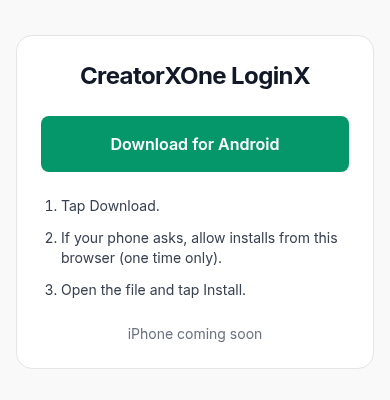
CreatorXOne LoginX
Download for Android- Tap Download.
- If your phone asks, allow installs from this browser (one time only).
- Open the file and tap Install.
iPhone coming soon
How LoginX works
- Add a proxy to the creator. Open Creators, click the creator's row, and on the Details tab go to Location & proxy. Choose a proxy, then click Save changes.
The creator installs LoginX from this page. They tap Download for Android. If the phone asks, they allow installs from the browser (one time only). Then they open the file and tap Install.
- Use desktop app v1.3.7 or newer. Get it from the download page.
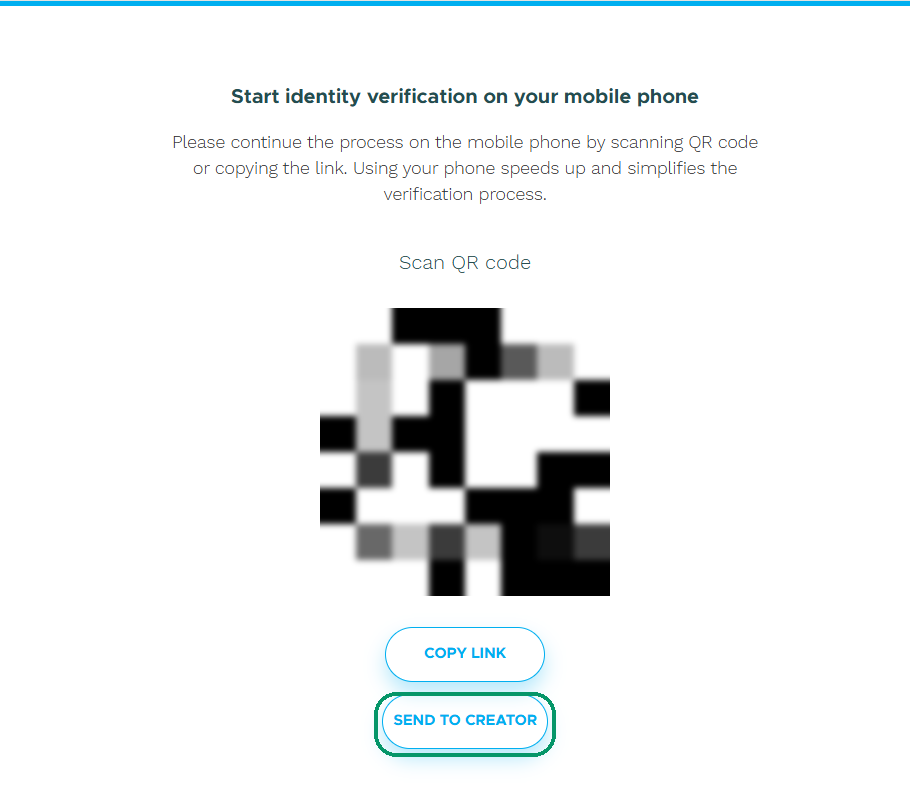
Open the verification screen and click Send to creator. In the desktop app, click Launch for the creator and open the session. You should see Start identity verification on your mobile phone.
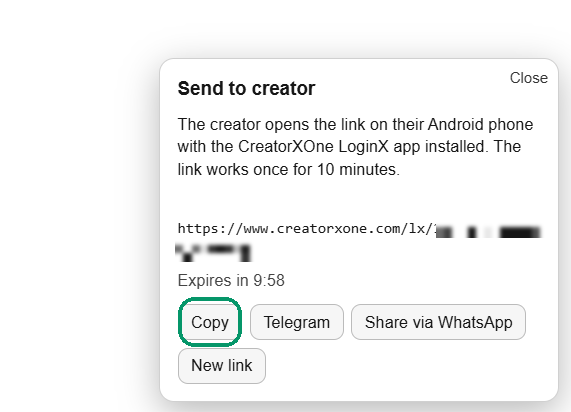
Copy the one-time link and send it to the creator. The link works once and is valid for 10 minutes.
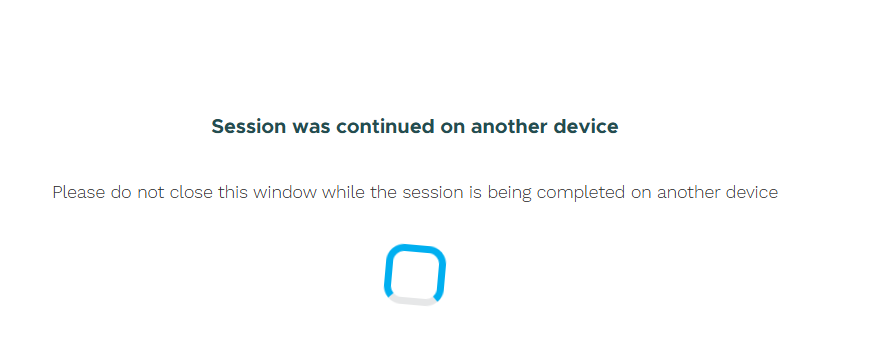
The creator opens the link with LoginX and finishes. The desktop shows Session was continued on another device. Do not close that window.
If something goes wrong
- The link expired after 10 minutes, or it was already used: click New link.
- Verification failed: close the verification and start again.
- Pages load slowly: the flow runs through the proxy. Wait.